
The Latest
Another fintech startup, and its customers, has been gravely impacted by the implosion of banking-as-a-service startup Synapse. Copper Banking, a digital banking service aimed at teens, notified its customers on…

Autodesk — the 3D tools behemoth — has acquired Wonder Dynamics, a startup that let creators quickly and easily make complex characters and visual effects using AI-powered image analysis. The…

Farcaster, a blockchain-based social protocol founded by two Coinbase alumni, announced on Tuesday that it closed a $150 million fundraise. Led by Paradigm, the platform also raised money from a16z…

Microsoft’s new ‘Volumetric Apps’ for Quest headsets extend Windows apps into the 3D space
1 hour ago
Microsoft announced on Tuesday during its annual Build conference that it’s bringing “Windows Volumetric Apps” to Meta Quest headsets. The partnership will allow Microsoft to bring Windows 365 and local…

Social
The ‘vote Trump’ spam that hit Bluesky in May came from decentralized rival Nostr
3 hours ago
The spam reached Bluesky by first crossing over two other decentralized networks: Mastodon and Nostr.

Welcome to TechCrunch Fintech! This week, we’re looking at the continued fallout from Synapse’s bankruptcy, how Layer wants to disrupt SMB accounting, and much more! To get a roundup of…

The company is hoping to produce electricity at $13 per megawatt hour, which would be more than 50% cheaper than traditional onshore wind.

Generative AI makes stuff up. It can be biased. Sometimes it spits out toxic text. So can it be “safe”? Rick Caccia, the CEO of WitnessAI, believes it can. “Securing…

It’s not often that you hear about a seed round above $10 million. H, a startup based in Paris and previously known as Holistic AI, has announced a $220 million…

Hey there, Series A to B startups with $35 million or less in funding — we’ve got an exciting opportunity that’s tailor-made for your growth journey! If you’re looking to…

Where we’ll be next
Oct 28th
TechCrunch Disrupt 2024
San Francisco, CA
Jun 11th
StrictlyVC – Washington, D.C.
Washington, D.C.
May 21st
StrictlyVC – London
London
Gaming
TechCrunch Minute: Adobe lodges branding complaint against indie emulator app Delta
9:00 AM PDT • May 21, 2024
It’s been a wild few months for the developers behind Delta, a retro game emulator app. Their latest hiccup came when Adobe accused the app…

TikTok is pulling out all the stops to prevent its impending ban in the United States. Aside from initiating legal action against the U.S. government, that means shaping up its…

Microsoft’s big focus at this year’s Build conference is generative AI. And to that end, the tech giant announced a series of updates to its platforms for building generative AI-powered…

Microsoft wants to put its Copilot everywhere. It’s only a matter of time before Microsoft renames its annual Build developer conference to Microsoft Copilot. Hopefully, some of those upcoming events…

GitHub Copilot gets extensions
5 hours ago
Build is Microsoft’s largest developer conference and of course, it’s all about AI this year. So it’s no surprise that GitHub’s Copilot, GitHub’s “AI pair programming tool,” is taking center…
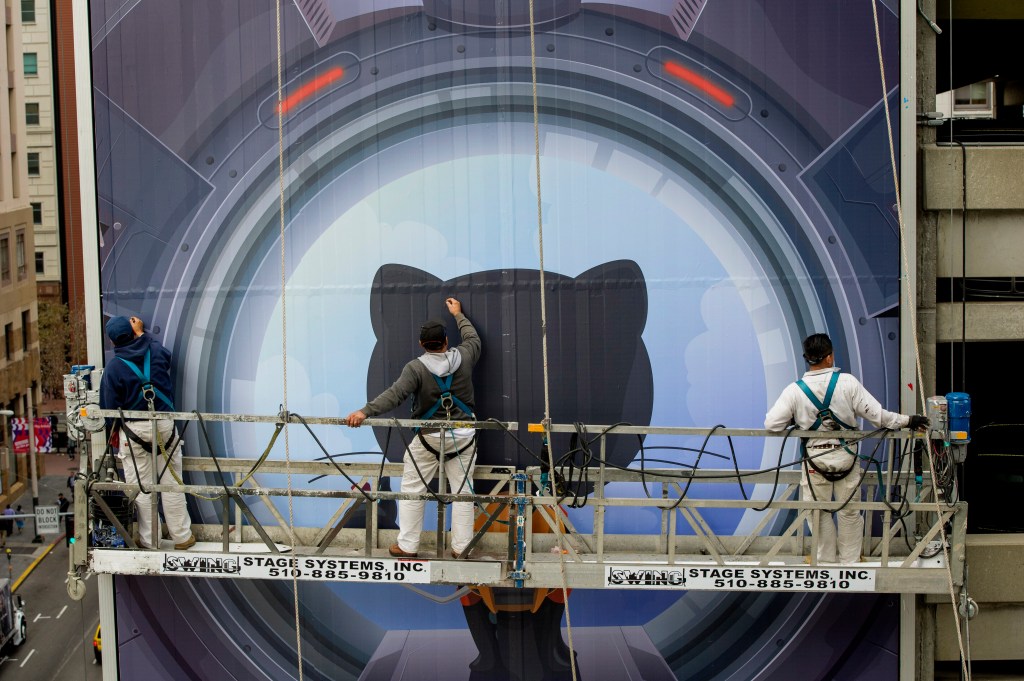
Microsoft wants to make its brand of generative AI more useful for teams — specifically teams across corporations and large enterprise organizations. This morning at its annual Build dev conference,…

AI
UK data protection watchdog ends privacy probe of Snap’s GenAI chatbot, but warns industry
5 hours ago
The U.K.’s data protection watchdog has closed an almost year-long investigation of Snap’s AI chatbot, My AI — saying it’s satisfied the social media firm has addressed concerns about risks…

U.S. cell carrier Patriot Mobile experienced a data breach that included subscribers’ personal information, including full names, email addresses, home ZIP codes and account PINs, TechCrunch has learned. Patriot Mobile,…

It’s been three years since Spotify acquired live audio startup Betty Labs, and yet the music streaming service isn’t leveraging the technology to its fullest potential — at least not…

Alchemist Accelerator has a new pile of AI-forward companies demoing their wares today, if you care to watch, and the program itself is making some international moves into Tokyo and…
