
The Latest
The problem is not the media, but the message.

Ever wonder why conversational AI like ChatGPT says “Sorry, I can’t do that” or some other polite refusal? OpenAI is offering a limited look at the reasoning behind its own…

The federal government agency responsible for granting patents and trademarks is alerting thousands of filers whose private addresses were exposed following a second data spill in as many years. The…
Security
Encrypted services Apple, Proton and Wire helped Spanish police identify activist
3 hours ago
As part of an investigation into people involved in the pro-independence movement in Catalonia, the Spanish police obtained information from the encrypted services Wire and Proton, which helped the authorities…

Match Group, the company that owns several dating apps, including Tinder and Hinge, released its first-quarter earnings report on Tuesday, which shows that Tinder’s paying user base has decreased for…

Private social networking is making a comeback. Gratitude Plus, a startup that aims to shift social media in a more positive direction, is expanding its wellness-focused, personal reflections journal to…

With venture totals slipping year-over-year in key markets like the United States, and concern that venture firms themselves are struggling to raise more capital, founders might be worried. After all,…

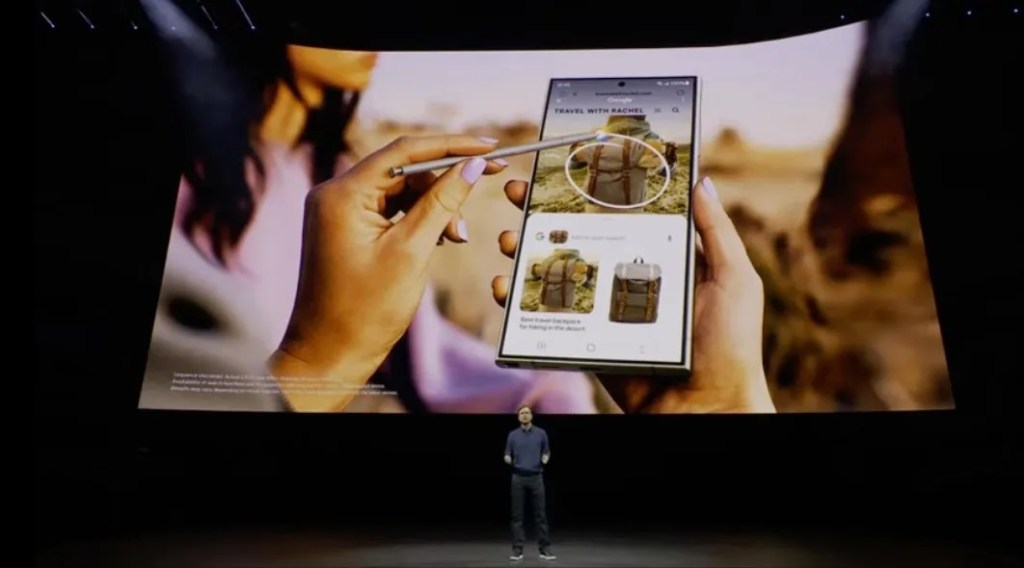
Google has found a way to bring a variation of its clever “Circle to Search” gesture to iPhone users. The new interaction, launched in January, allows Android users to search…
A new sculpture going live on Wednesday in the Flatiron South Public Plaza in New York is not your typical artwork. It combines technology, sociology, anthropology and art to let…

Apple’s iPad event had a lot to like. New iPads with new chips and new sizes, a new Apple Pencil, and even some software updates. If you are a big…

Where we’ll be next
Oct 28th
TechCrunch Disrupt 2024
San Francisco, CA
Jun 11th
StrictlyVC – Washington, D.C.
Washington, D.C.
May 21st
StrictlyVC – London
London
Autonomous, AI-based players are coming to a gaming experience near you, and a new startup, Altera, is joining the fray to build this new guard of AI agents. The company announced…

Biotech & Health
Google DeepMind debuts huge AlphaFold update and free proteomics-as-a-service web app
8 hours ago
Google DeepMind has taken the wraps off a new version AlphaFold, their transformative machine learning model that predicts the shape and behavior of proteins. AlphaFold 3 is not only more…

Startups
$450M for Noname, two billion-dollar rounds, and good news for crypto startups
8:00 AM PDT • May 8, 2024
Good news, crypto founders! Venture capital activity is picking up in the sector, recovering from the multi-year lows investments fell to in late 2023. Put…

Uber plans to deliver more perks to Uber One members, like member-exclusive events, in a bid to gain more revenue through subscriptions. “You will see more member-exclusives coming up where…

We’ve all seen them. The inspector with a clipboard, walking around a building, ticking off the last time the fire extinguishers were checked, or if all the lights are working.…

Startups
Controversial drone company Xtend leans into defense with new $40 million round
10 hours ago
Close to a decade ago, brothers Aviv and Matteo Shapira co-founded a company, Replay, that created a video format for 360-degree replays — the sorts of replays that have become…

Usually, when something starts to rot, it gets pitched in the trash. But Joanne Rodriguez wants to turn the concept of rot on its head by growing fungus on trash…

Monzo has raised another £150 million ($190 million), as the challenger bank looks to expand its presence internationally — particularly in the U.S. The new round comes just two months…

iRobot has announced the successor to longtime CEO, Colin Angle. Gary Cohen, who previous held chief executive role at Timex and Qualitor Automotive, will be heading up the company, marking a major…

Reddit — now a publicly-traded company with more scrutiny on revenue growth — is putting a big focus on boosting its international audience, starting with francophones. In their first-ever earnings…
